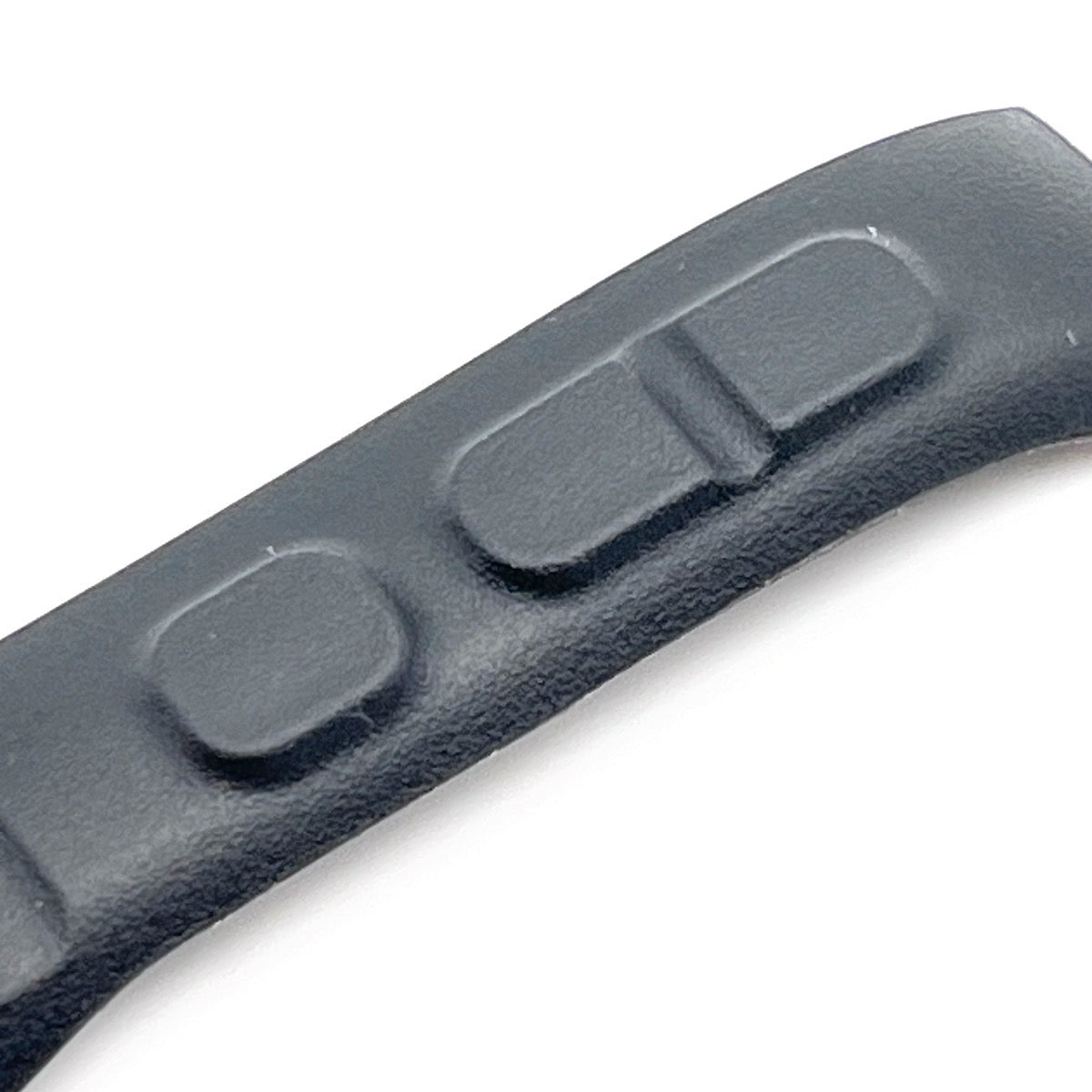
Spare part: Rubber buttons for Garmin eTrex 30 (left part +, -, MENU)
SKU: GP03302
MPN: GP03302
Weight: 0.04 oz (0.001 kg)
Condition: New
Material: Reinforced rubber (waterproof and flexible)
Сomplexity level: 5 (Level 5 - Moderate difficulty, requires disassembly of the case and the use of additional materials (glue, sealant, double-sided tape).)
Necessary tools: screwdriver: T6, T5; knife, plastic spudger
Compatible with: Garmin
eTrex 10, 20, 30, 20x, 30x, 22x, 32x
Installation manual:
- Remove the battery and clean the case to remove any dirt. Avoid getting it wet.
- The front part of the case is made up of a plastic base with a rubber layer on top. Use a knife to carefully slice through the rubber layer.
- Employ a plastic tool to peel off the old rubber layer from the button.
- Wipe the surface clean using ethyl alcohol.
- For enhanced adhesion, apply a primer.
- Apply adhesive evenly across the prepared surface to ensure strong adhesion and a waterproof seal.
- Position the button carefully and press firmly to bond the rubber to the plastic base. Allow it to set for 24 hours to ensure optimal adhesion and curing.
- Congratulations! You have successfully restored your device to working and waterproof condition!
Glue recommendation: LOCTITE 4861, Permabond 751, LOCTITE 454 (superglue, if you need strong adhesion), Permabond 2011, 3M Scotch-Weld SI Gel
Primer recommendation: LOCTITE SF 770, 3M 94, 3M AC77, Permabond POP